
Cubicle Accessories
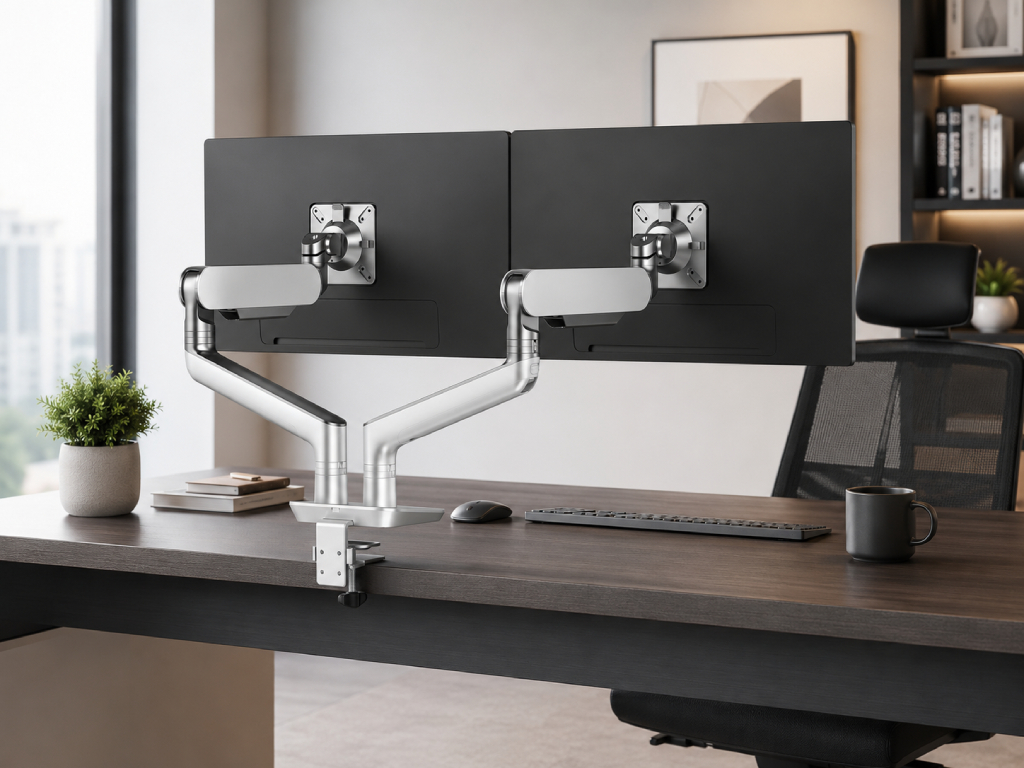
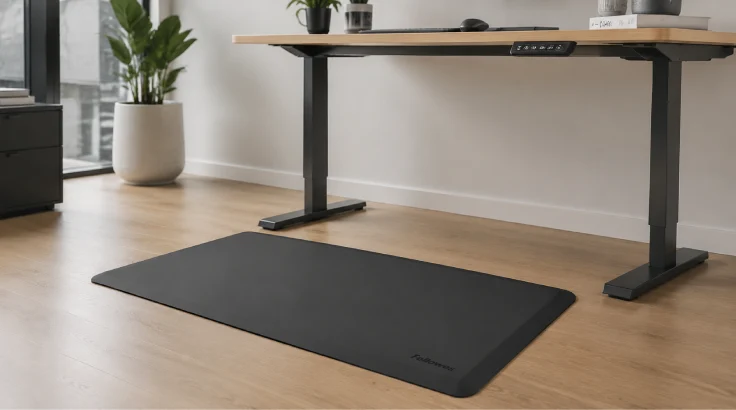
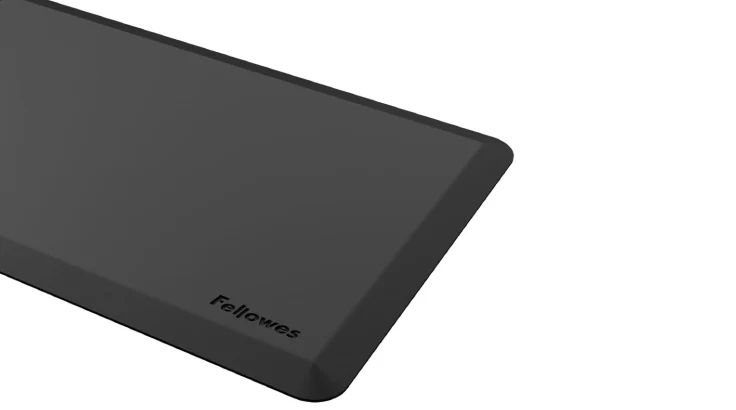
- Use with any sit-stand for extra support while standing
- Beveled edges help avoid trip hazards
- 36” x 24”
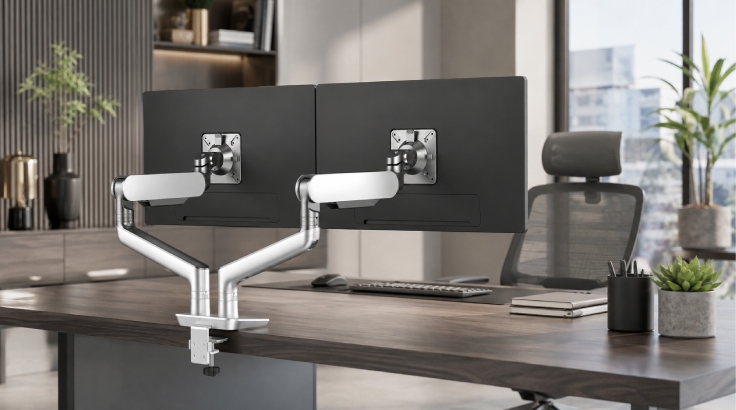
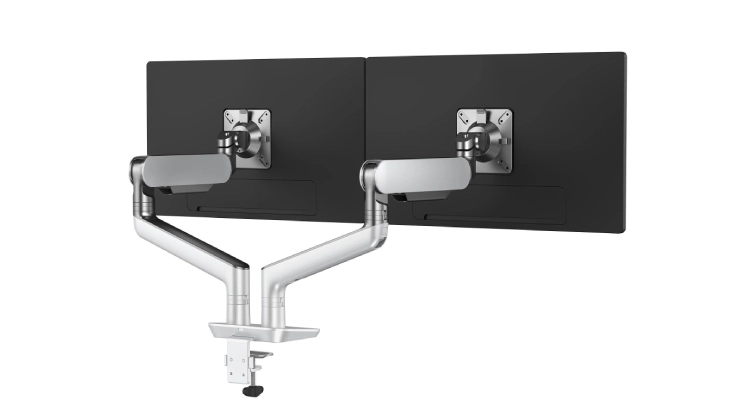
- 4.5 lb.-28.0 lb. weight capacity per arm
- Max monitor width: 42.3" (bezel measured from left to right)
- 19.9” height adjustment range - 8.2”–11.7” (low–high)
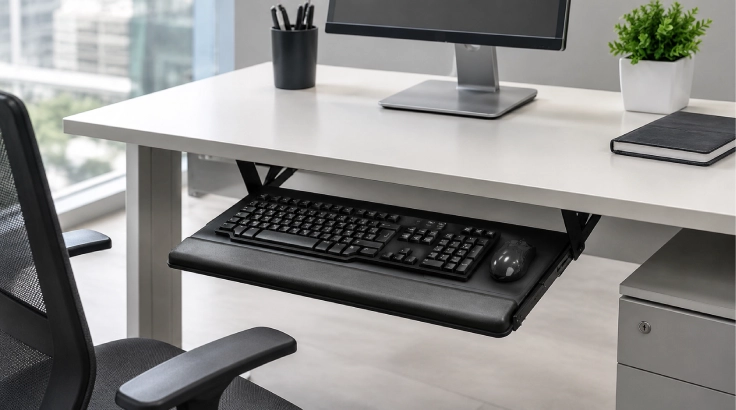
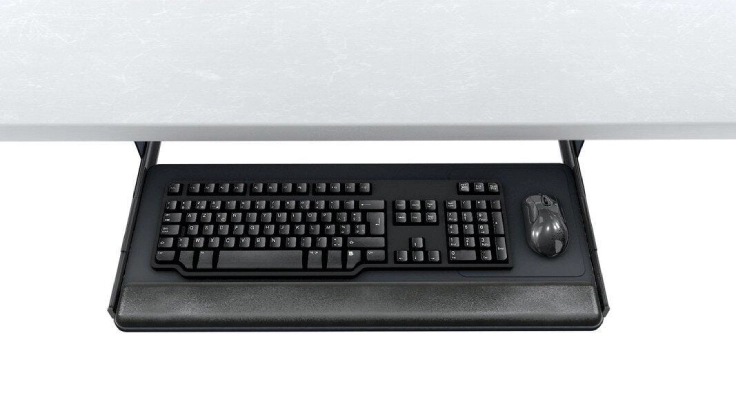
- 25.0" width accommodates both keyboard and mouse
- Retractable on 15.0" ball bearing slides
- Palm rest for both keying and mousing
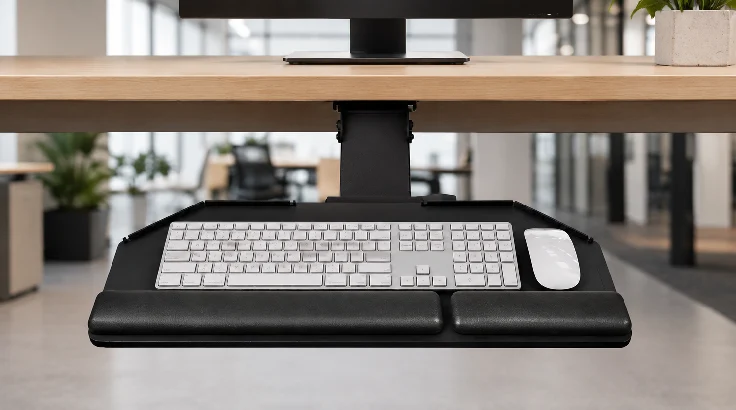
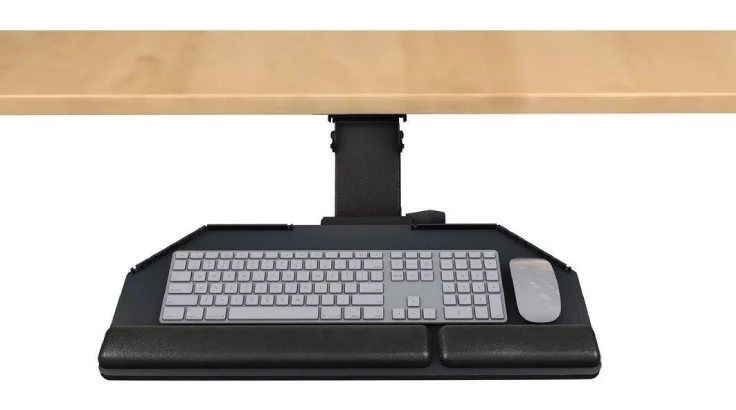
- Recommended for radius corner worksurfaces
- AA360 articulating arm
- PL215 swivel mouse design
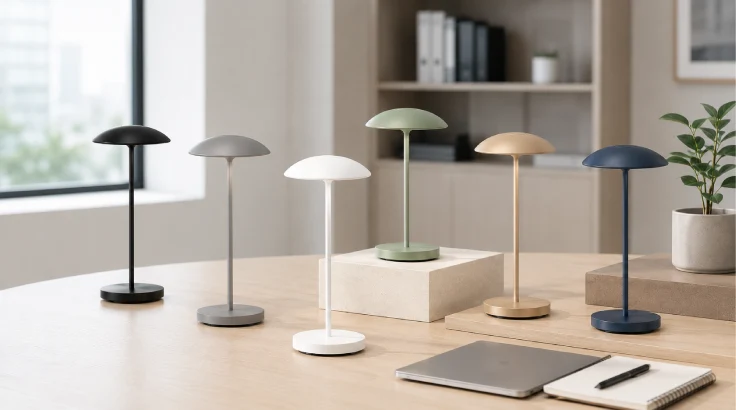
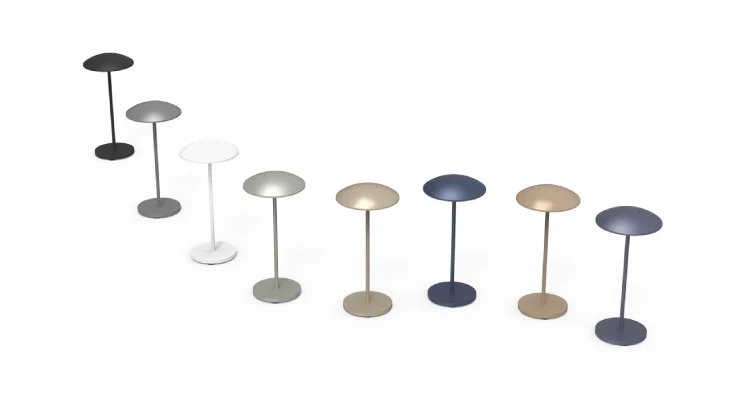
- Touch sensor for on/off and dimming functions
- 100%–15% continuous dimming with last state memory
- Auto shut-off after 10 hours
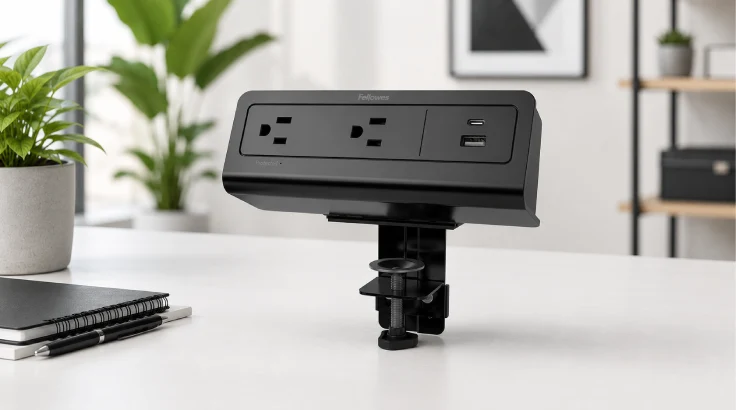
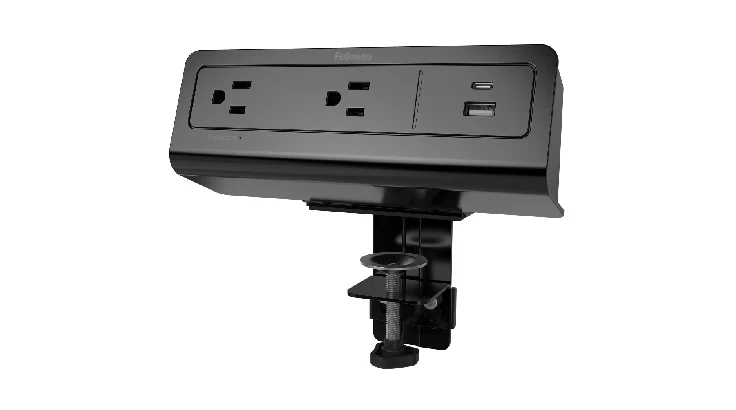
- Two AC outlets: 15A, 120V, 60Hz
- One quick-charge USB-A port: 5V: 2.4A
- One quick-charge USB-C port: (PD 3.0)
Not finding the right fit? We design your space free.
Tell us your needs — free 2D/3D layout and custom quote. No obligation.
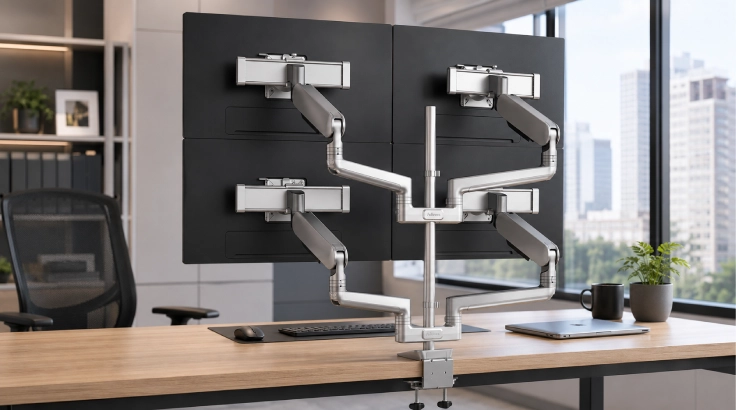
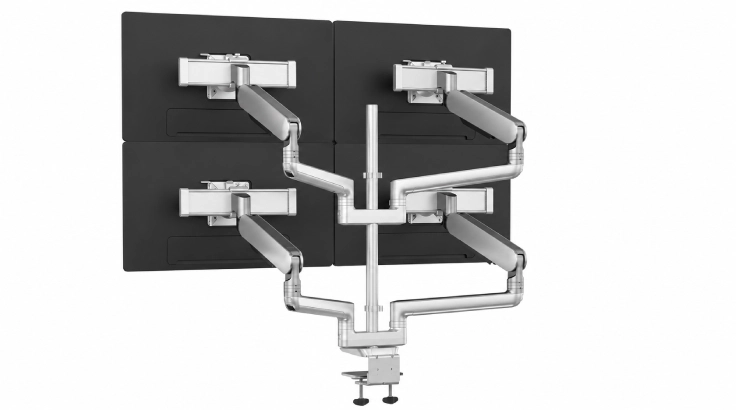
- 11.7" height adjustment range
- 3.2lb.-21.2b weight capacity (per arm) not to exceed 90lbs
- Max monitor width: 56.9" (bezel measured left to right)
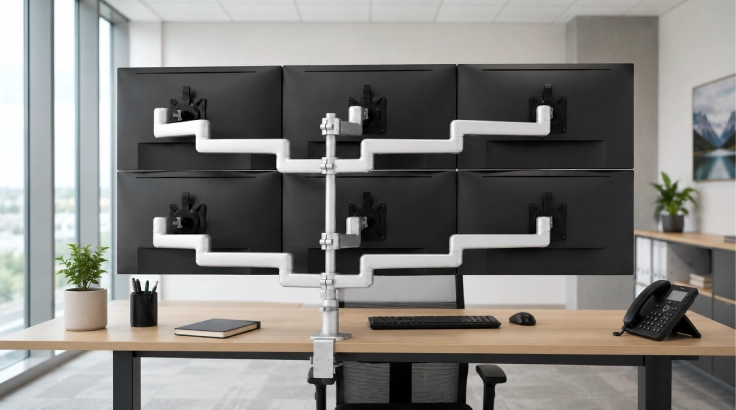
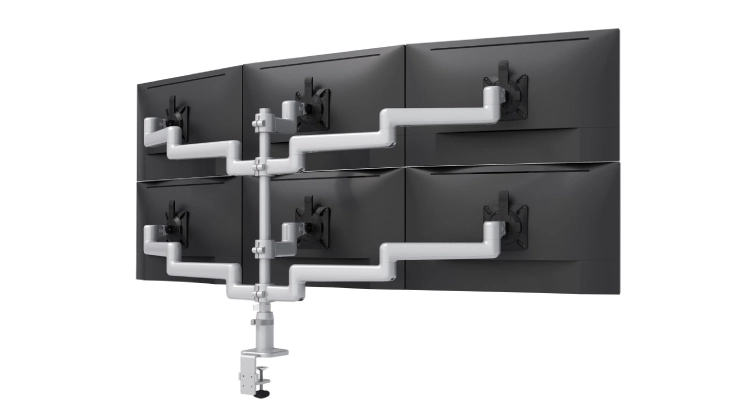
- Manual height adjustment
- Recommended for worksurfaces 30" deep or less
- p to 20 lb weight capacity per arm
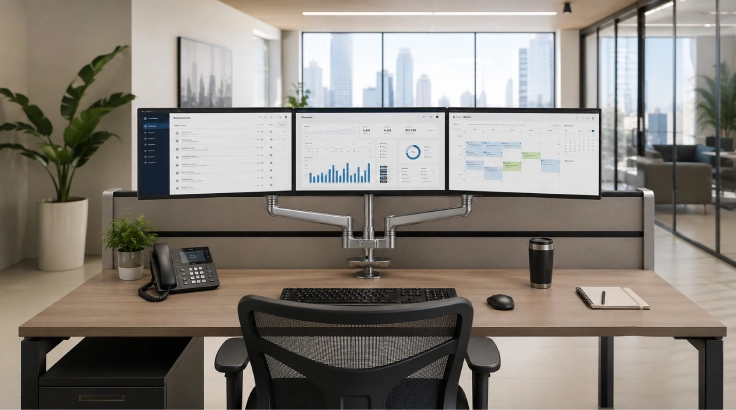
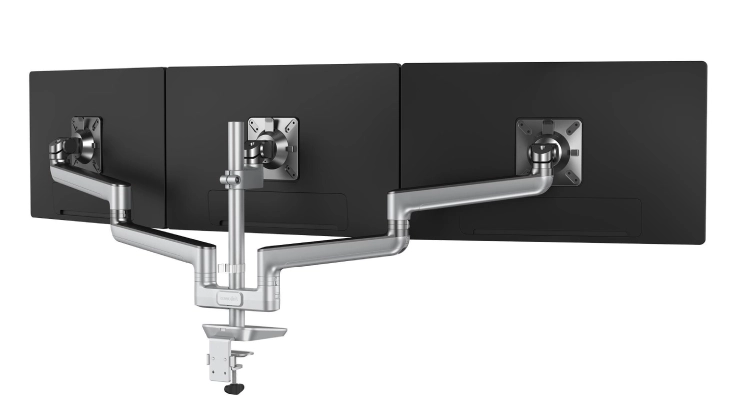
- 60lb. total weight capacity
- Max monitor width: 23.5" (bezel measured left to right)
- 4.7” height adjustment range - 12.8”-17.5” (low–high)
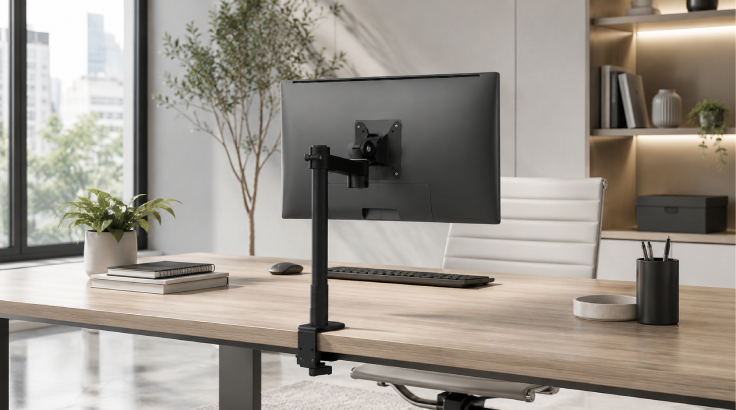
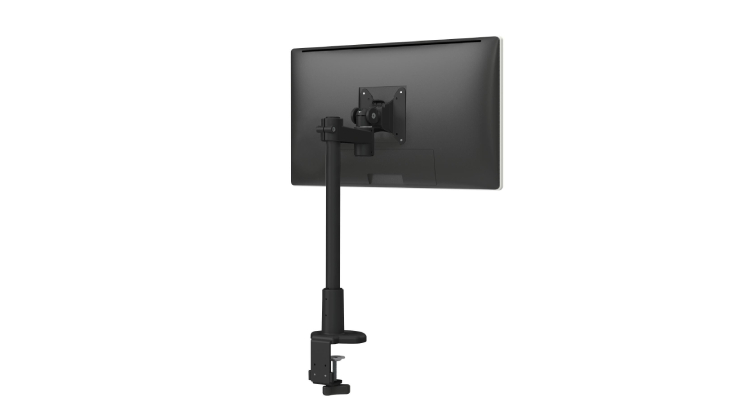
- Manual height adjustment
- Recommended for shallow worksurfaces 24.0" deep or less
- Up to 20.0 lb weight capacity
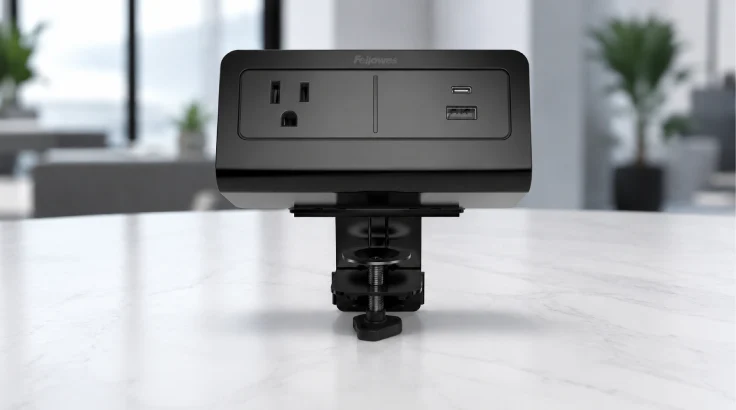
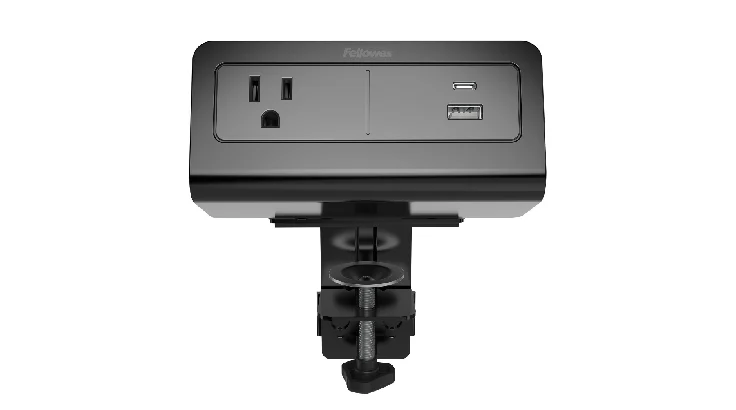
- One AC outlet, 15A, 120V, 60Hz
- One quick-charge USB-A port, 5V: 2.4A
- One quick-charge USB-C port (PD 3.0)
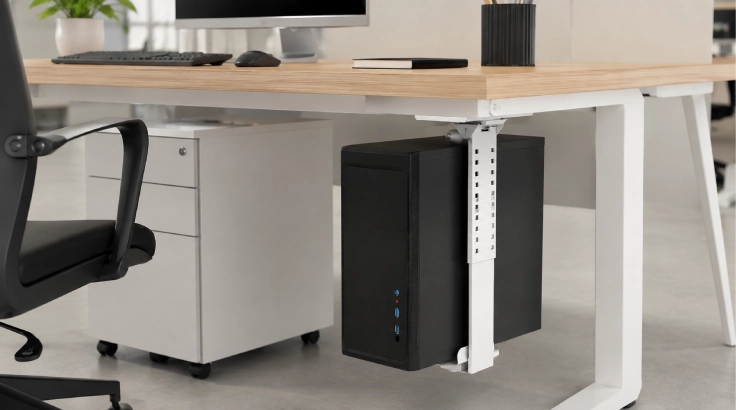
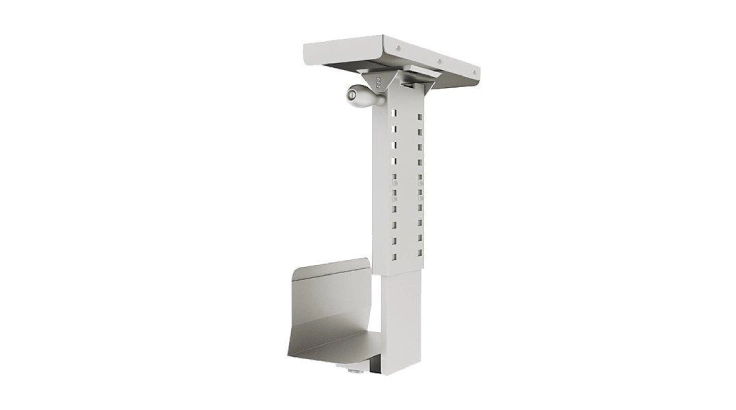
- Keep your computer secure and your workstation organized with the Swiveling CPU Holder. It is designed to keep the CPU off the floor, helping protect it from dust, accidental bumps, and everyday wear. The swiveling design provides quick and easy access to the back of the computer for cable management and maintenance.
- This holder also frees up valuable floor space, creating a cleaner and more efficient office cubicle. It is a practical addition for new workstation installations or office upgrades where organization and accessibility matter. As one of the most useful cubicle accessories, it helps maintain a professional workspace while keeping essential equipment safely supported and within reach.
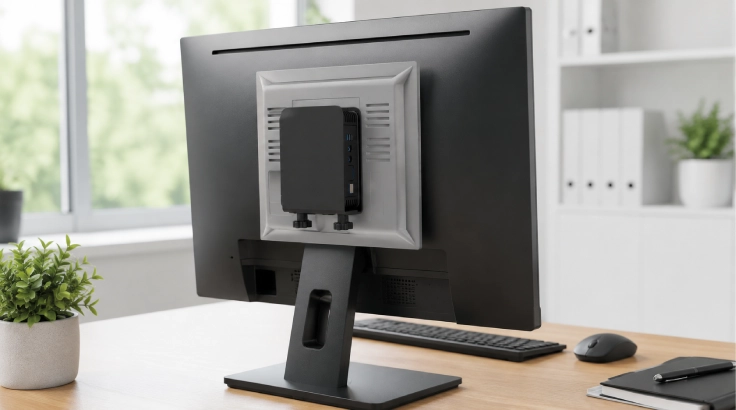
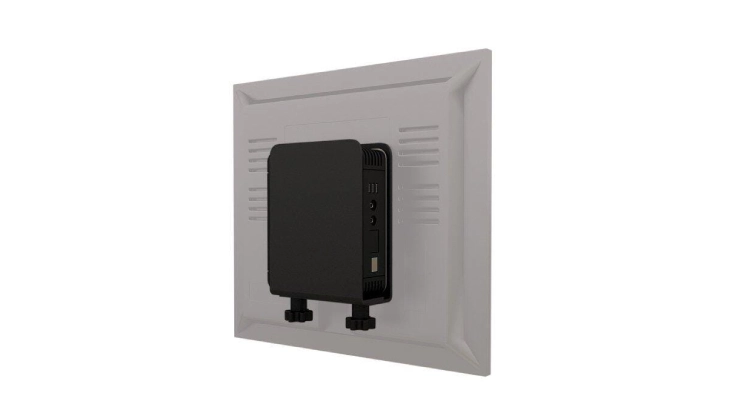
- Adjustable width: 1.4"–2.3"
- Conforms to VESA 75mm / 100mm
- Mounts between the monitor arm and monitor
Upgrade your workspace with practical cubicle accessories from COI. Our office cubicle accessories in Houston help free up desk space, improve access to equipment, and update existing workstations without replacing the full setup.
Explore cubicle desk accessories built for the real needs of Houston teams.
Shop by Workspace Need
- Monitor Arms: Cubicle Monitor Arms support single, dual, or multi-screen setups while keeping monitors at a comfortable viewing height.
- Keyboard Platforms & Trays: A cubicle keyboard Tray saves desk space and keeps the keyboard within easy reach.
- CPU & Thin Client Holders: A Thin client CPU holder stores computer hardware beneath the desk, clearing the work surface.
- Desktop Power & US: A desktop power module keeps outlets and charging ports within reach of the user.
- Cable Management: Cubicle cable management keeps power and data cables neat, protected, and easier to access.
- Desktop Lighting: Cubicle Task Lighting provides focused light for daily work without brightening the entire office.
- Technology Solutions: Technology Solutions supports connected workstations with device mounts, charging access, data connections, and practical equipment organization.
What to Check Before You Buy
Before ordering your modern office cubicles, check the details below to avoid fit and installation issues.
- Choose desk-mounted or panel-mounted hardware
- Measure desktop thickness and available clearance
- Confirm monitor size, weight, and VESA pattern
- Note the number of screens each station needs
- Record CPU or thin-client dimensions
- Review power, USB, and data requirements
- Check cubicle accessory compatibility with panels and desks
- Confirm quantity needed
- Decide whether installation support is required
Build a More Functional Workstation
More Usable Desk Space
Workspace Organization Accessories move monitors, keyboards, and computer hardware off the main work surface, leaving more room for daily tasks without making the cubicle feel crowded.
Better Equipment Positioning
Ergonomic Office Accessories help place screens and input devices at practical heights and distances for each user throughout the day.
Cleaner Power and Cable Setup
Commercial Office Accessories keep power modules and cables organized, protected, and easier to reach during maintenance or workstation changes.
Why Choose COI in Houston?
COI helps you select Office Furniture Accessories in Houston that fit your current cubicles and project needs.
- Local product guidance and compatibility review
- Houston showroom for in-person product comparison
- Free 2D and 3D planning for larger projects
- Support for business and multi-workstation orders
- Local delivery across Houston and nearby areas
- Professional cubicle installation Houston businesses can depend on
- One experienced team from product selection through final setup
Choose COI for cubicle accessories Houston, TX companies can source, plan, and install with reliable local support.
Houston-Based
Local team, local showroom, serving Houston and surrounding markets.
Free 2D/3D Design
We scope your space and deliver a layout before you spend a dollar.
Full Installation
Our team delivers and installs — you walk into a finished office.
Financing Available
Flexible payment options for any project size.
Get Your Free Layout & Quote
A local specialist contacts you within 2 business hours — no obligation.
We contact you within 2 business hours · No spam · No obligation